
Login - after the change
Login name and password
Regardless of whether you already had an existing account or not, your display name and login name for Microsoft 365 at UHH is now
user ID@uni-hamburg.de
(e.g., in the form bax1234@uni-hamburg.de).
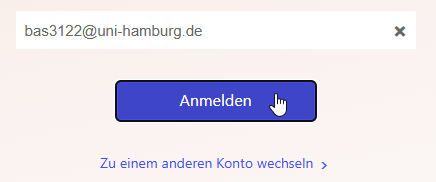
| Please note: Students also register with @uni-hamburg.de without “studium.”. |
If your account was already adjusted, use the password for your user ID (Benutzerkennung).
In the future, after entering user ID@uni-hamburg.de at M365, the entire login process will be
forwarded to the UHH login.
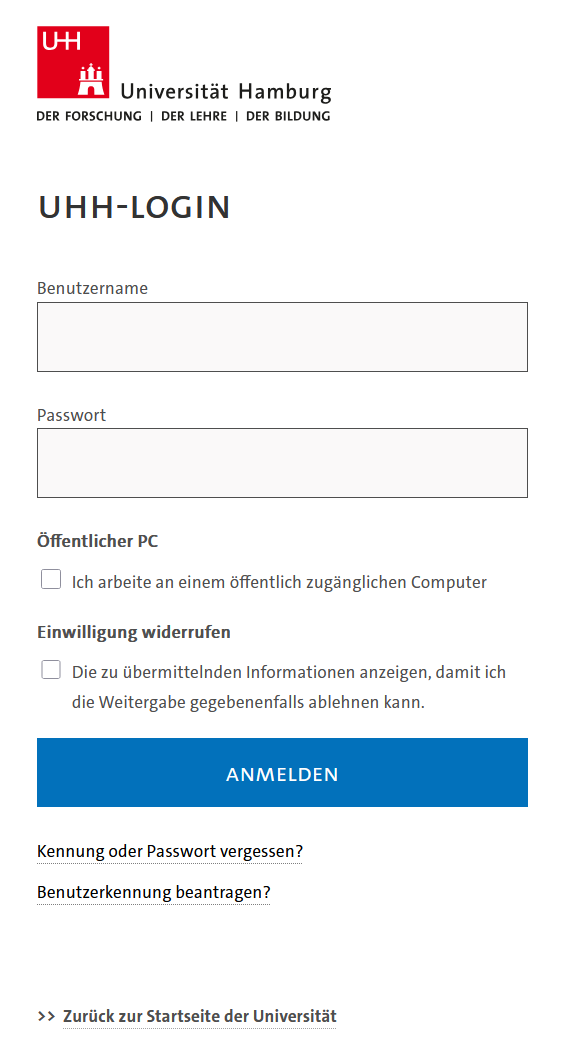
Two-step login process
In the future, after entering your password, you will be asked to confirm the second factor—the UHH's two-factor authentication (2FA) procedure. This will be added by the beginning of December at the latest.
Teams login problems
The problem occurs mainly on mobile devices. However, the workaround also applies to Teams for desktop.
Apparently, the program does not always allow 2FA to work. After successful 2FA, you are redirected back to the login page.
Workaround:
- Ensure that you have the latest version of the app. (Go to your app store and update the app.)
- When you are redirected to 2FA, select “other device”.
- Now copy the link below the QR code, switch to your browser (Chrome, Safari, or Firefox), and open the link.
- Here, you should now be able to complete the 2FA login using the “this device” option.
- You can now reopen Teams and should be logged in.
If you are not redirected to the UHH login, please contact the rrz-serviceline"AT"uni-hamburg.de.